
Did you know that every photo you take with your iPhone or Android phone contains hidden metadata? It's called EXIF data, and it can include:
- GPS Coordinates: The exact location where the photo was taken (down to the street meter).
- Time & Date: When the moment happened.
- Device Info: Your exact phone model and camera settings.
Why is this dangerous?
If you upload a photo of your pet or your new house to social media or a forum, savvy users can download that image and see exactly where you live. This is a major privacy risk.
How to Check Your Photos
You can't see this data in your standard gallery app. You need an EXIF Viewer.
- Open our EXIF Viewer & Remover.
- Upload your photo.
- The tool will instantly show you all the hidden tags found in the file.
- If you see a map pin, your location is exposed.
How to Remove It (The Easy Way)
You don't need to change your camera settings permanently. Just clean the files before you share them.
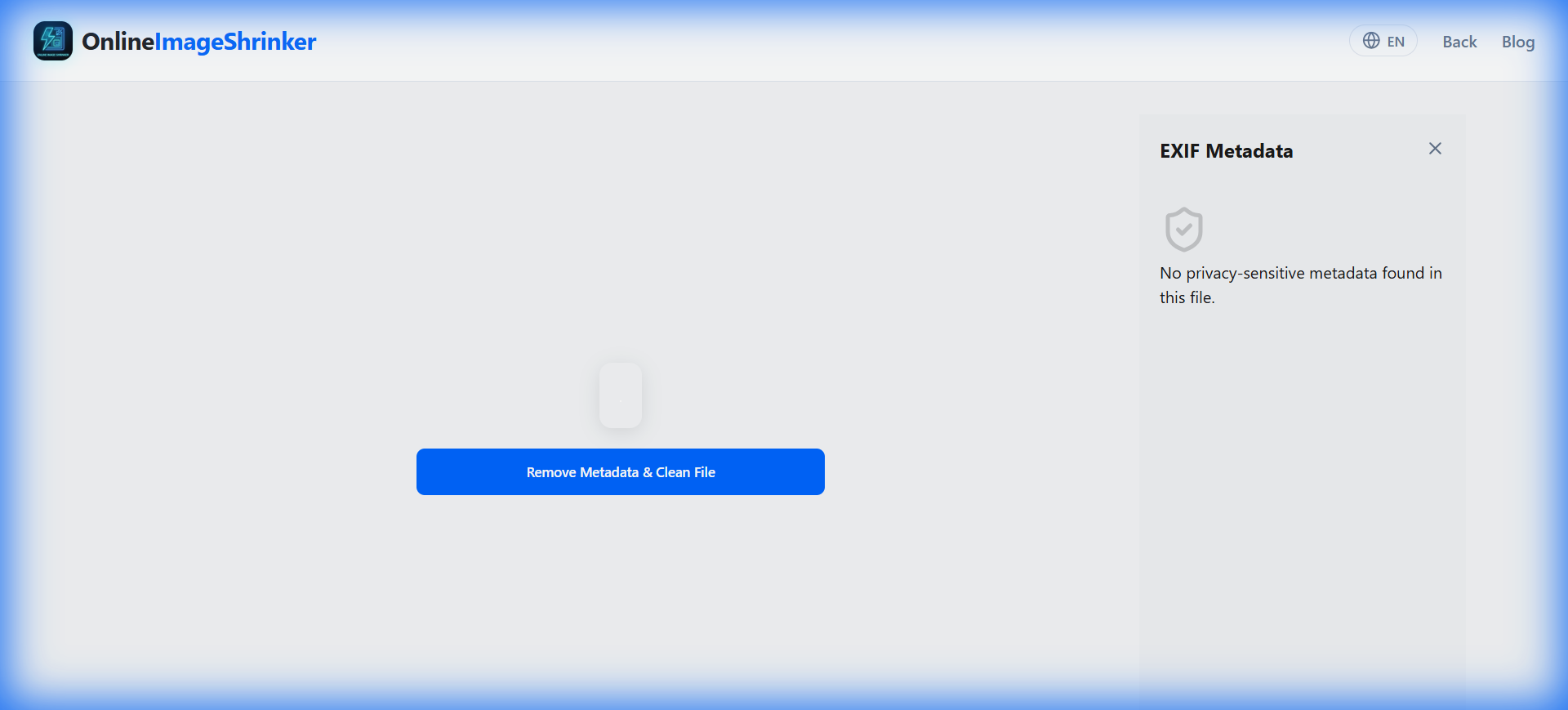
- In the EXIF Viewer tool, click "Remove Metadata & Clean File".
- Our tool scrubs 100% of the EXIF tags while keeping the image quality identical.
- Download the safe, clean version.
Now you can post that photo safely!